
Hover to save
A small menu appears on the video itself. Pick a quality and download the full video in one click.
★ FREE CHROME EXTENSION · BY MOTIONASTRA
Hover any video on X (Twitter), Instagram and Pinterest to download it, or clip just the seconds you need, exported ready for your editor.
Works on X (Twitter) · Instagram · Pinterest
 1080p ▾ Download[▸] Clip…
01 WHAT IT DOES
A small menu appears on the video itself. Pick a quality and download the full video in one click.
A visual timeline with draggable handles, a looping preview and exact in/out points. Made for grabbing B-roll.
Social video is usually variable frame rate, which drifts out of sync in Premiere and DaVinci. ClipCatch can export constant frame rate MP4 or ProRes Proxy instead.
Everything happens in your own browser. No account, no tracking, nothing uploaded to us.
02 HOW IT WORKS
Free, from the Chrome Web Store.
On X, Instagram or Pinterest. The ClipCatch menu appears in a free corner of the player.
Save the whole video, or drag the yellow handles to export just the moment you need.
03 FROM THE MAKER
ClipCatch is free. It’s made by MotionAstra, and our editing packs are how it’s supported.
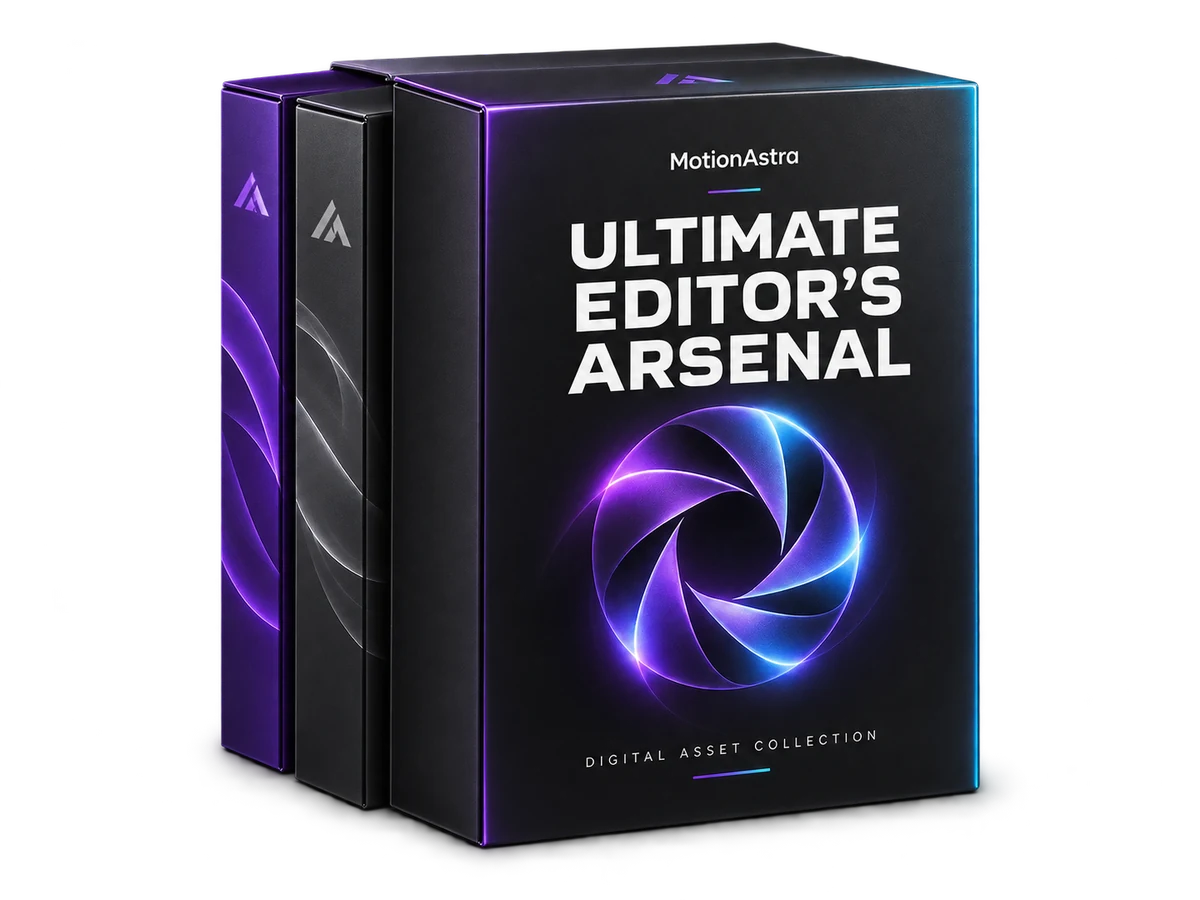
THE EVERYDAY EDITING TOOLKIT
LUTs, titles, transitions, overlays and more. One organised collection for your next edit.
View the pack
FOR YOUR NEXT MOTION PROJECT
An After Effects asset collection to expand your creative toolkit. Explore, customise and make it your own.
View the packYes. ClipCatch is free to use. It is made by MotionAstra, which sells editing asset packs. That is how the extension is supported.
X (Twitter), Instagram and Pinterest, on posts that contain a video.
Into your normal Chrome Downloads folder, named after the source post and the part you clipped.
Videos from social platforms are usually variable frame rate. Editing software handles that poorly, causing audio drift and stutter. Edit-ready exports convert to a constant frame rate with 48 kHz audio so the clip behaves like normal footage.
No. There is no account, no analytics and no tracking in the extension. Your settings are stored by Chrome. See the ClipCatch privacy policy for details. Read the privacy policy
Only download content you have the rights to use, such as your own posts, content with the creator’s permission, or material allowed under the platform’s terms and the law where you live.
Only download content you have the rights to use.